
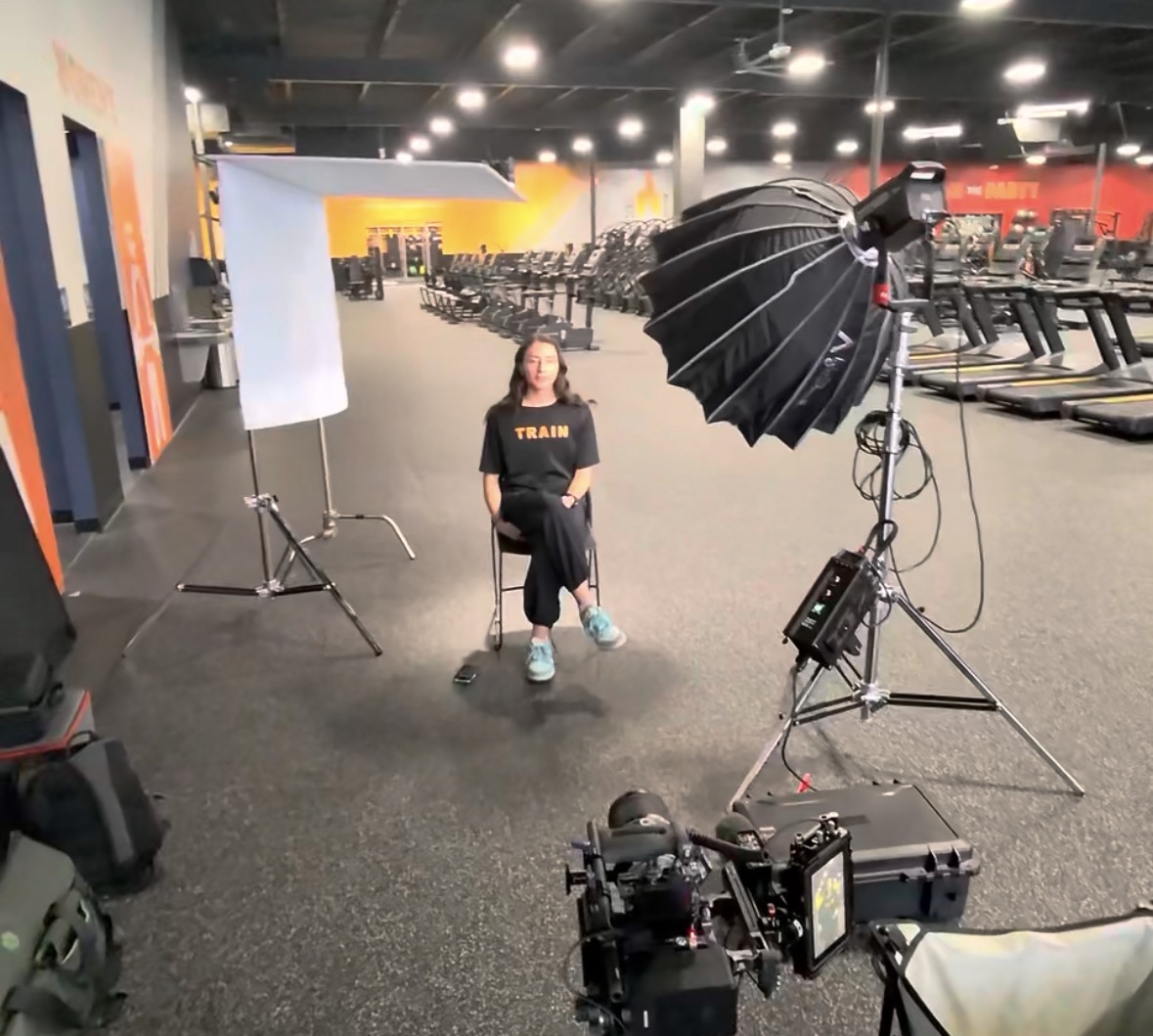
Start with a publishing plan, then build the shoot
You can create a month of social media videos from one production session by planning several focused messages and recording the footage each one needs. The achievable output depends on the topics, filming time, complexity, and editing scope—not simply the number of hours a camera is running.
For an Albany business posting twice a week, a four-week plan might call for eight videos. That is an example planning target, not a guaranteed package. A detailed demonstration may require more production time than several short answers recorded in the same setup.
Batch filming works best when each video has a clear purpose.
Choose topics your customers actually ask about
Begin with sales calls, customer emails, and the questions staff answer repeatedly. Useful topics might include how a service works, what a customer should prepare, what affects a project timeline, or how to choose between two options.
Give each video one main idea. A local business could plan a mix of frequently asked questions, short demonstrations, process explanations, and introductions to the people doing the work.
Avoid forcing the same sales message into every clip. Useful explanations give viewers a reason to keep watching and help them decide whether your service fits their needs.
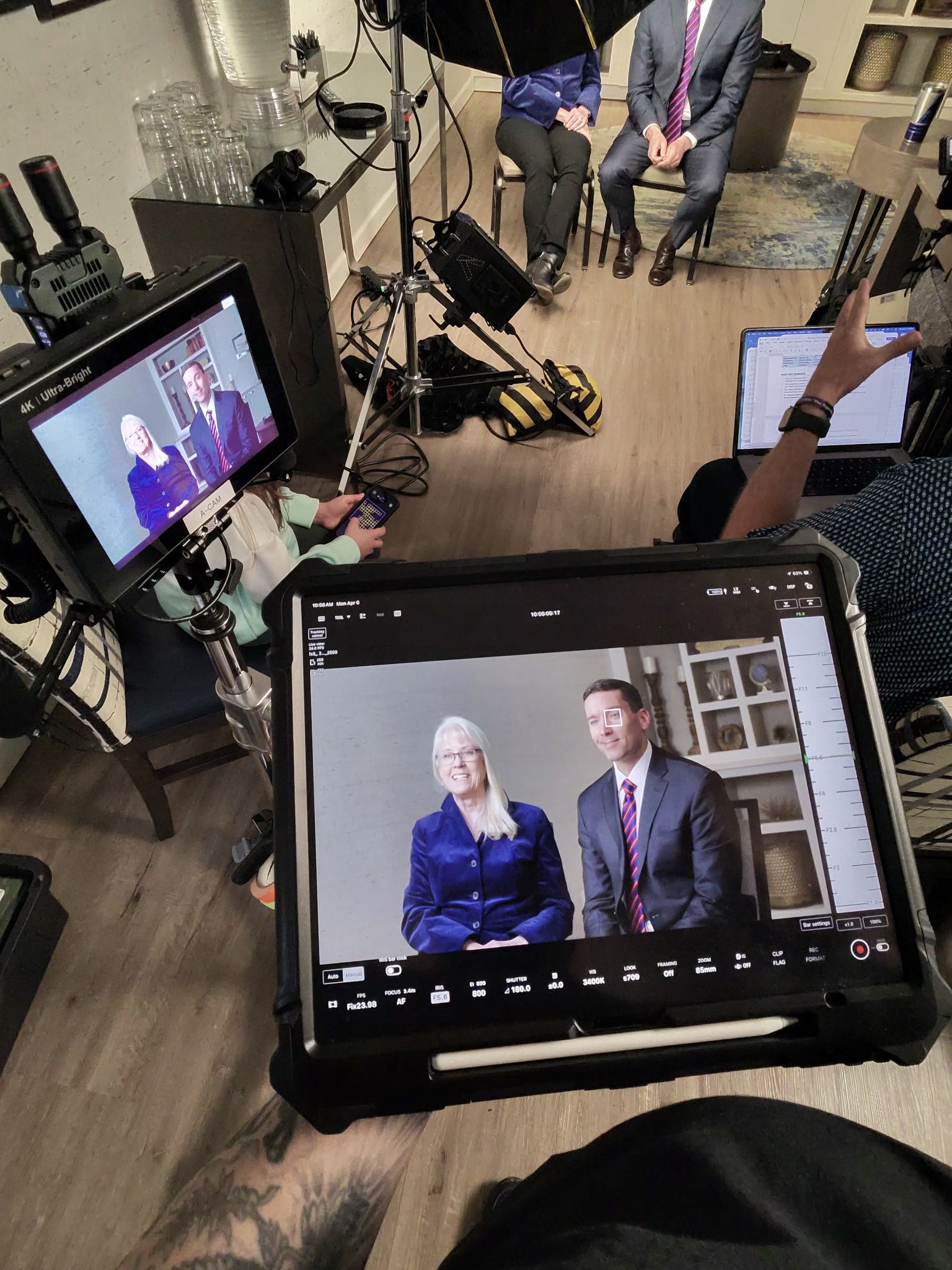
Create a realistic shot list
For each planned video, identify the speaker, main point, opening line, supporting visuals, and next step. Keep the notes short enough to use on set.
Group recordings by setup. Film related presenter segments together, then move to demonstrations or another background. Changing camera positions, lighting, wardrobe, and props repeatedly can consume time without creating more usable content.
Leave room for restarts and pickups. A rushed final hour can lead to missing lines or product shots that make editing harder later.
Capture more than a person talking
Supporting footage gives the editor a way to show what the presenter means. Record hands using a product, a process in progress, relevant details, and wider views of the workspace.
These clips can support several edits when the context remains accurate. Plan enough variety so the finished videos do not all open with the same image.
If filming at your business, prepare the area and schedule staff participation. A studio session can work well when you want consistent framing or a background designed around the brand.
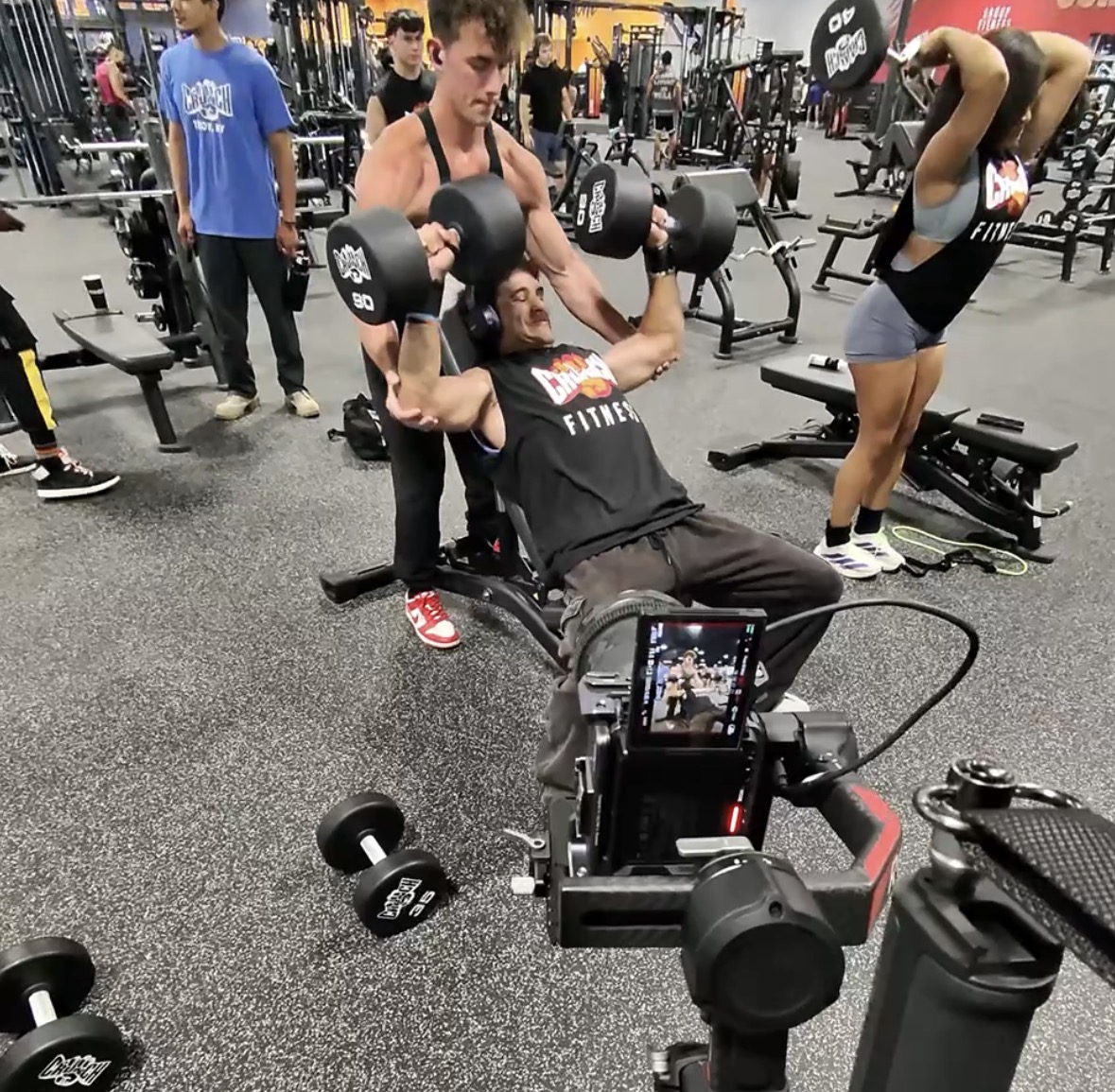
Plan vertical framing and readable captions
If the main destination is a vertical feed, compose for that format from the beginning. Keep important details clear of areas likely to be covered by interface elements, and preview the actual exports before posting.
If horizontal versions are also required, discuss whether the setup can support both or needs separate takes. Cropping alone can cut out hands, products, or another speaker.
Agree on captions, graphics, music licensing, opening titles, and review rounds as part of the editing scope. These details affect the time required to finish a batch.
Organize the finished videos around real business needs
Label the files clearly and map each one to a proposed publishing date. Balance educational content with demonstrations and appropriate invitations to contact the business.
Review performance after publishing. Watch time, useful comments, relevant website visits, and inquiries can help identify which questions deserve a follow-up video. Use the next shoot to respond to what you learn.
Can everything be filmed in one day?
Sometimes. The number of speakers, locations, demonstrations, and setups determines the schedule. Agree on a realistic production plan before committing to an output count.
Plan a content session with JGI Media
JGI Media’s Albany video production services can support a planned batch of business content. Contact us with your platforms, intended posting frequency, and initial topics to discuss filming and editing needs.
Leave a Reply