Preparing for your first business video shoot starts with a clear goal, available participants, and a location that is ready for filming. You do not need experience on camera. You need a useful message and a plan for what happens before the crew arrives.
For Albany and Capital Region businesses, preparation helps turn a limited window with your team into footage that explains what you do. Use this checklist before your next interview, company introduction, or service video.
Define what viewers should do next
Choose one primary purpose: introduce your business, explain a service, recruit employees, or promote an offer. Write down who the video is for and the action you want them to take. That decision guides interview questions, supporting footage, and the final call to action.
A company introduction should help a new customer understand your work. A recruiting film should help a candidate picture the workplace. Trying to answer every question in one short video can make the message difficult to follow.
Prepare talking points and examples
For an interview, bring three to five main points with specific examples. Explain the problem you solve, how your process works, and what a customer can expect. Conversational answers give the editor more useful material than a speech filled with general claims.
If exact wording matters, discuss a script and teleprompter before filming. Confirm names, job titles, pronunciations, and any claims that require approval. Avoid introducing a new script after the crew has already planned an interview.
Choose clothing and prepare the room
Wear comfortable, well-fitting clothes that reflect your business. Solid colors are a useful starting point. Bring a backup outfit and check for wrinkles, lint, noisy accessories, and fine patterns that may distract on camera.
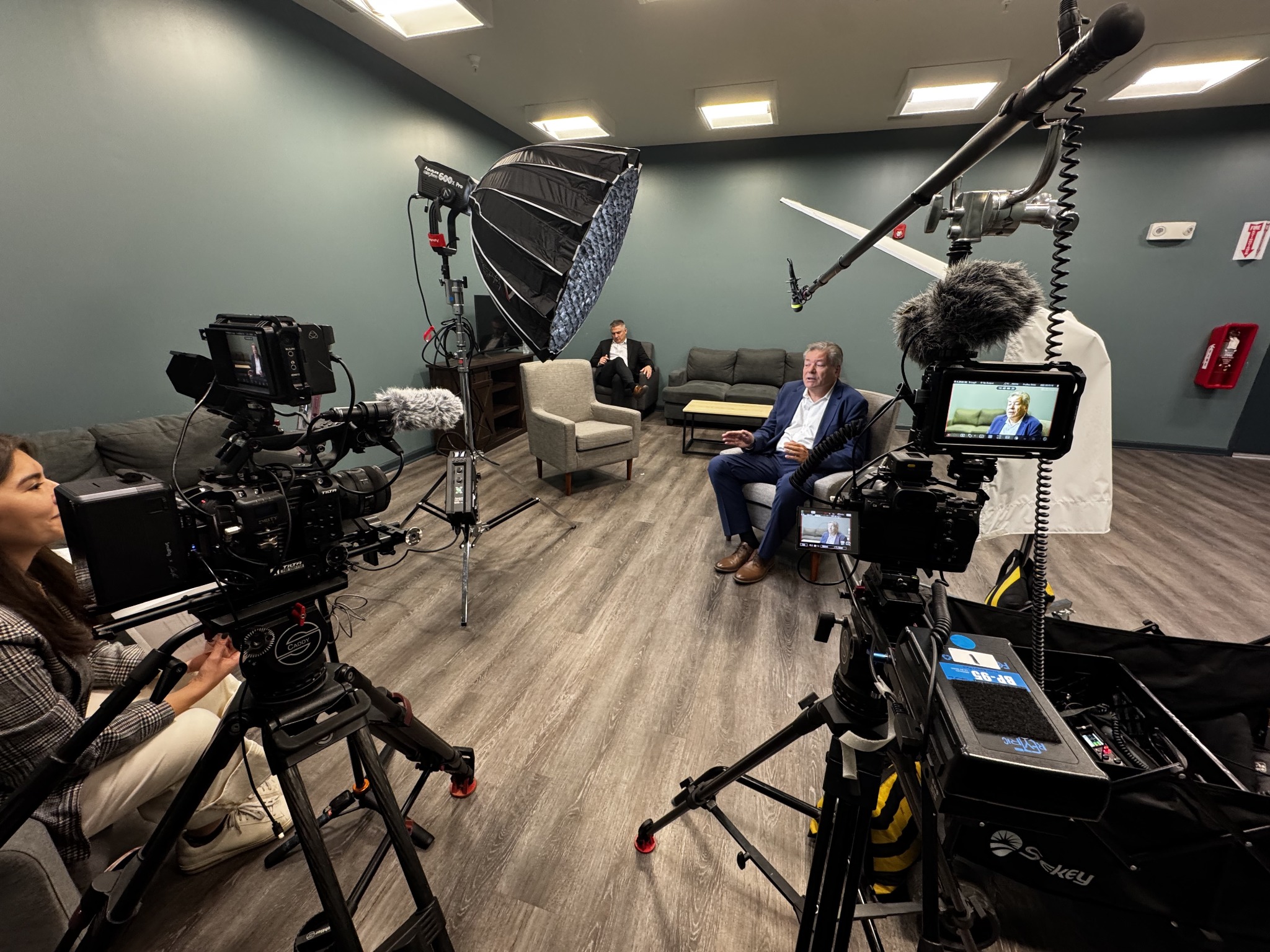
At your location, clear clutter and confidential documents. Reserve the space for setup and breakdown as well as recording. Tell nearby staff when quiet is needed. Send the production team room photos and mention traffic, machinery, refrigerators, or other sources of noise.
Arrange supporting footage
Make a short list of visuals that demonstrate your work: staff helping customers, products, tools, building exteriors, or stages of your process. Arrange participants and permissions in advance. Have clean examples ready so the crew does not have to wait for normal operations to produce them.
Discuss whether customer information, screens, or proprietary processes should be kept out of frame. A few planned activities can provide a stronger visual story than filming a room where nothing is happening.
Confirm formats, feedback, and deadlines
Explain where the video will appear. A website film, presentation, and vertical social clip may require different framing and graphics. Confirm captions, branding assets, review rounds, and the delivery deadline before production.
Assign one person to consolidate feedback. Several separate reviewers can introduce conflicting requests and slow the edit. Bring current logos and approved spelling so the first version starts with accurate information.
What if you are nervous on camera?
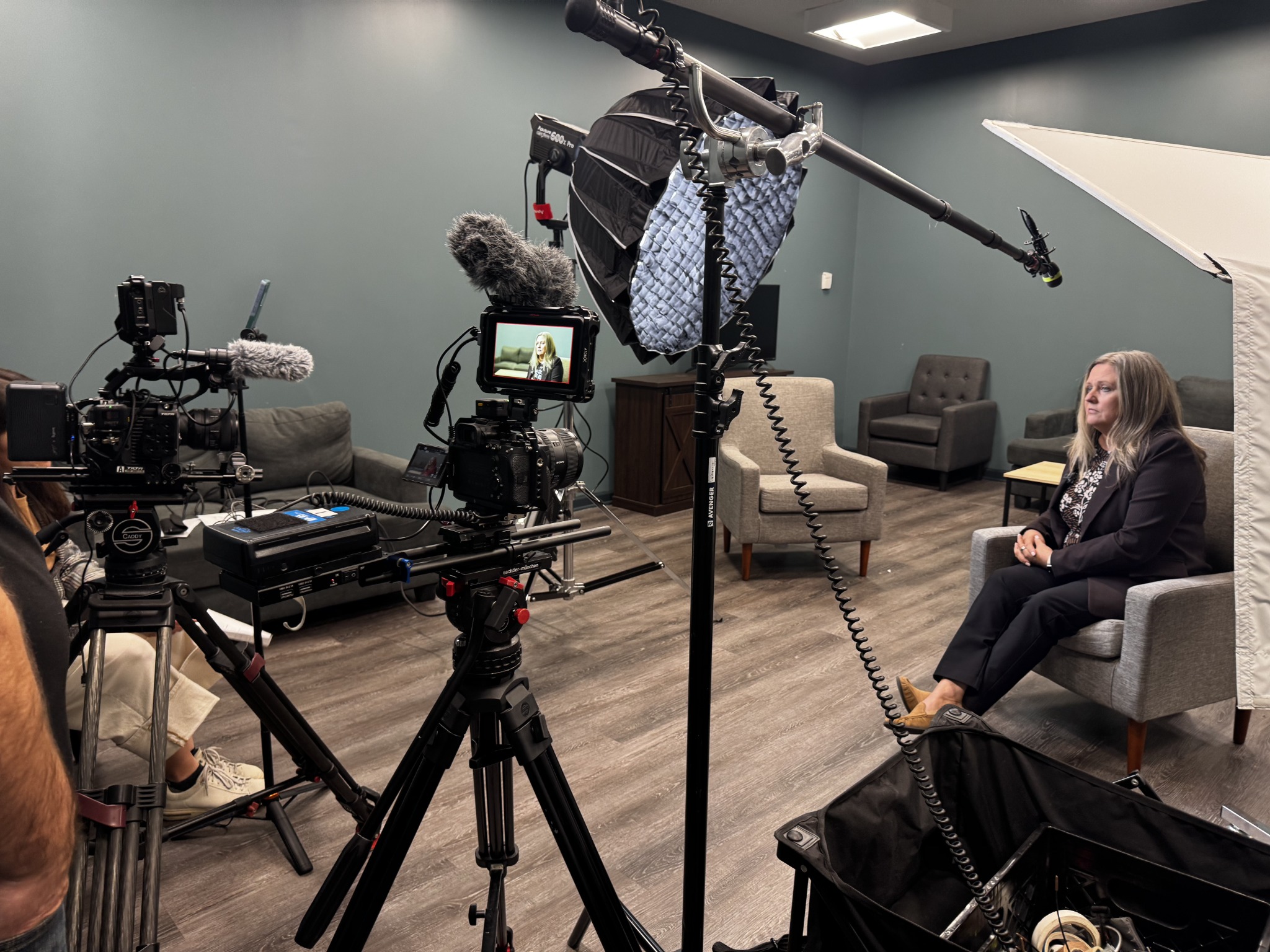
A guided interview allows time to settle in, pause, and repeat an answer. Speak to the interviewer unless the shot calls for looking into the lens. A natural answer with a clear example is usually more useful than a flawless delivery of vague marketing language.
Before the day, confirm arrival time, parking, access, participants, wardrobe, and your main contact. Leave room in the schedule for lighting and sound checks. Those steps are part of producing a usable recording.
Shoot-day checklist
- Confirm parking, access, arrival time, and the main contact.
- Bring approved talking points and backup wardrobe.
- Prepare participants, rooms, products, and brand assets.
- Allow time for camera, lighting, and sound checks.
Plan your shoot with JGI Media
Explore JGI Media’s video production services in Albany. Share your audience, location, and goals through our project inquiry page so we can discuss a practical approach.
Leave a Reply